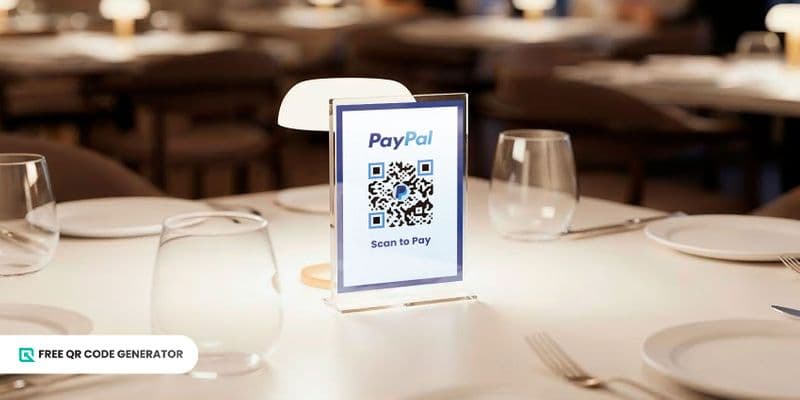
The PayPal QR code is a payment feature of the digital payment platform, PayPal. It facilitates fast, simple, and cashless transactions for both sending and receiving funds by scanning it through the app.
Retail businesses are adopting scan-to-pay methods, such as PayPal’s, to simplify in-store payments and enhance the customer experience.
As of 2024, PayPal has 434 million active consumers and merchants, with 26 billion transactions processed on the app.
Take this opportunity to learn how it works and create it through its free QR code generator.
Let’s dive right in.
Table of Contents
How do PayPal QR payments work?
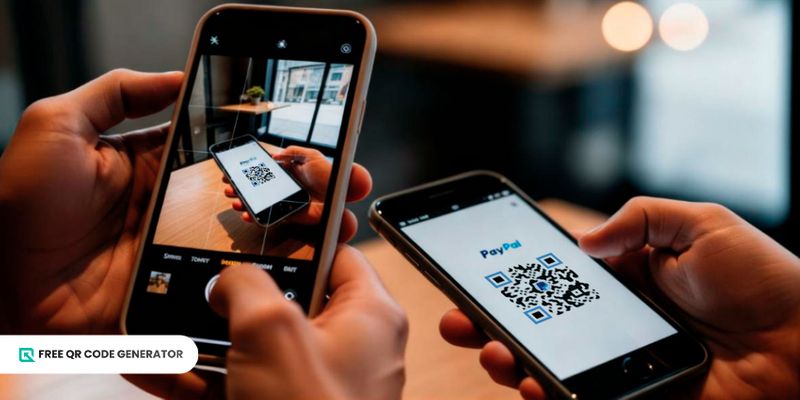
PayPal payments through QR codes are possible thanks to the payment link encoded in the two-dimensional (2D) barcode.
It works similarly to the Venmo QR code that facilitates cashless transactions through the app.
There are two ways to set up the PayPal QR code.
The first option is to simply store the recipient’s account details on the QR code. Once users scan it, they must enter the amount to be paid and select the source of the funds, such as their credit or debit card or another banking service, before completing the transaction.
You can find this being used in retail stores and restaurants, providing a versatile payment option for customers. It’s also useful for simple peer-to-peer payments between family or friends.
The second method involves customizing the QR code by specifying the exact amount to be paid. It also works as the “Tip Jar” code, which allows you to set a specific amount or offer a tipping option.
Once users scan it, they simply need to select a funding source and complete the transaction without manually entering the amount or the recipient’s information.
It reduces any friction in payments, such as holding the line at counters or making typographical errors, thereby improving the experience.
Aside from businesses, this e-commerce QR code payment solution is ideal for remote service providers to facilitate a more hassle-free payment transfer from their clients.
💡Did you know? PayPal also utilizes QR code technology as a login method on its desktop app. A user must first log in to the mobile app to scan the PayPal authenticator QR code and access their account on the web.
How do I get a PayPal QR code?
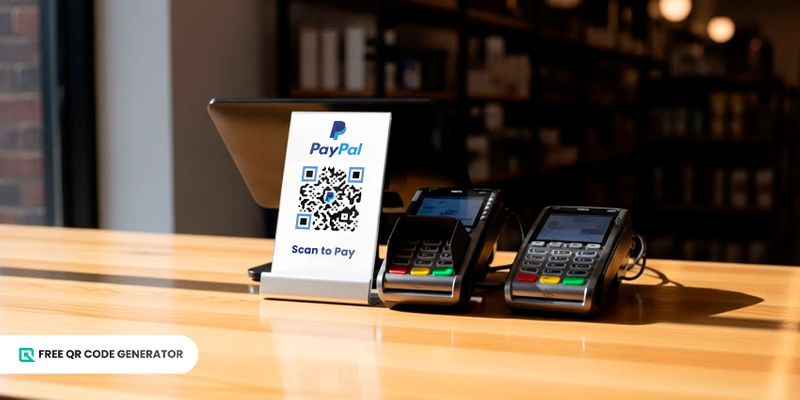
PayPal users can generate a QR code for free using the free QR code generator available on the mobile app.
Through the PayPal app
Here’s what you need to do to generate a QR PayPal code:
1. Log in to the PayPal Business app.
2. Tap “More”.
3. Tap “Get paid with QR codes”.
4. Click the Download icon to save your QR code to your device.
5. Print out the code and place it in your payment counters, pick-up points, or deliveries.
For a PayPal QR with a set price, simply follow the steps below:
1. Tap the Menu icon (three horizontal lines on top of one another) in the upper left of the interface.
2. Scroll down to the “Get Paid” option, then tap “Seller QR Code”.
3. Tap the Pencil icon.
4. Select “Add an amount” and enter the price you want to set.
5. Tap “Apply settings”.
6. Tap the download icon to save your QR code to your device.
7. Send it digitally, show it on your POS screen, or print the code on physical invoices.
Through a free QR code generator
If you’re on the web, you can follow these steps to generate a QR code for PayPal:
1. Copy your PayPal.Me link, which is a shareable URL that you can add to your online pages and profiles.
2. Visit a free QR code maker online.
3. Choose the URL QR code solution.
4. Paste your PayPal.Me link into the required field.
5. Customize your QR code with your company logo or PayPal’s.
6. Scan the QR code to test its scannability.
7. Save it on your device for print or digital distribution.
🚀 Optional: If you have a vCard digital business card, you can add your PayPal link to it to facilitate quick payments with your clients.
How to pay with a PayPal QR code
Using QR codes to transfer funds through PayPal is as easy as using them in any other situation. All you need is a smartphone with the app installed and an account logged into it.
Once you have all of that, simply perform the following steps:
1. Open the latest version of the app, updating it if needed.
2. Tap the QR code icon at the top right corner of the screen.
3. Point the phone’s camera at the payment QR code.
4. Enter the amount to transfer.
5. Select your payment method and your payment type to facilitate the fund transfer.
This procedure can also be performed without opening the PayPal app. Instead, you can open your smartphone’s Camera app or any feature for scanning QR codes.
What are the benefits of using a QR PayPal code?
There are many benefits of using payment QR codes for PayPal transactions, both for merchants and consumers.
Portable payment option
With a QR code for PayPal payments, you reduce the necessity for cash registers. Instead, you can carry around a portable one, allowing you to approach customers for payments or place payment QR codes in accessible areas.
Having this payment method available also allows customers to avoid carrying cash or their cards, reducing the risk to their finances when leaving their homes.
Using a QR code this way also doesn’t require much. There is zero hardware investment, and setting them up doesn’t take as much time or resources.
Promote customer engagement and loyalty
Offering payment QR codes enables customers to engage with your business in a more modern and accessible way.
Between 2021 and 2024, the percentage of people making or receiving digital payments increased from 55% to 62% in developing countries alone.
This means that an increasing number of people are opting for cashless transactions for their payments.
By providing such a method in your business or service, customers have every reason to hold your brand in high regard.
Transactions are safe and secure
With PayPal, you can ensure that financial transactions are both safe and secure. This is thanks to the platform’s entire ecosystem, which includes:
Encrypted transactions
Real-time alerts
Purchase protection for eligible transactions
Another aspect of QR code payment security is that identifying information, like phone numbers, band details, and email addresses, no longer needs to be shared. Details like this are already stored in the QR code, and they can only be accessed when performing the transaction through the app.
All transactions are trackable
Not only are PayPal payments secure, but they are also trackable. This helps businesses maintain digital records of various transactions for accounting purposes.
It's a perk that is especially relevant today, as fraudulent payments remain a persistent issue.
Still, merchants are highly encouraged to ask customers to show proof of payment to ensure the transaction is legitimate.
Branding opportunities
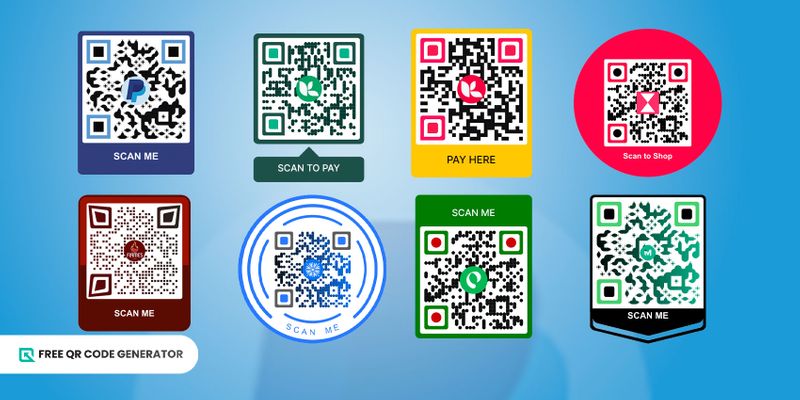
Using a no-expiry QR code maker also offers you an opportunity to strengthen your brand identity.
It provides comprehensive customization options, allowing you to change the color, shapes, and patterns, as well as incorporate your personal logo in your QR code.
You can create a QR code that matches your branding, allowing it to integrate with any existing marketing materials or graphics.
How to use a QR code for PayPal
A PayPal payment QR code is a truly convenient tool that benefits both brands and consumers. That’s why there are a handful of excellent use cases for this 2D barcode.
In-store payments
The most obvious use for this QR code solution is to facilitate payments in-store.
Because they can be applied to almost any surface, you can have your payment QR codes at check-out counters, front desks, or even the table tops of your restaurants.
Invoices and billings
Instead of having your client or customers go through the rigorous process of entering financial information to make payments, you can instead use QR codes to make the process instantaneous.
With a QR code on your invoices or bills, digital or otherwise, users can simply scan it to instantly pay for your services.
Deliveries and pick-ups
Not everyone has cash on hand for deliveries, and sometimes the ATM is out of order due to maintenance.
Whether you are holding an item for pick-up or delivery, having a payment QR code ready can remove the burden of carrying cash from the customer, making transacting with you a seamless experience.
Donations
Charity is a great virtue, but carrying lots of cash can be intimidating to the average Good Samaritan.
Fortunately, you can use QR codes to make it easier for anyone to make donations, which can help boost the money your charity receives.
Peer-to-peer payments
Lending money is much simpler with PayPal. With a QR code, you can scale this up to splitting the bill with a group of friends, or even lending money to several people.
No need to withdraw cash to split between friends, or worry about someone not paying enough. With a secure platform like PayPal, you can always ensure the transactions follow through.
Takeaway
QR code payments are one of the most convenient solutions that have made our lives easier than ever.
The addition of a PayPal QR code to the digital payment app enables merchants and consumers to conduct cashless transfers with ease, as it only requires a scan to complete the transaction.
Leaning toward a cashless society, we are likely to see more businesses adopt payment QR codes, such as PayPal’s.
QR codes’ potential doesn’t stop here, either. You can find them in various areas, including marketing, inventory, logistics, and more.
If you’re curious about how to incorporate QR code technology into your business operations, visit the Free QR Code Generator and begin your journey today.
Frequently asked questions
Does PayPal have a personal QR code?
Yes, PayPal provides users with their own QR code for receiving payments. This can be downloaded and shared through email, social media, or print.
Can I create a QR code for people to pay me?
Yes, it is possible to create a QR code that people can scan for payments. Whether it is a PayPal barcode or a Stripe one, all you will need is a payment link from a finance app and QR code software.
How do I verify my PayPal account to receive money?
To verify your PayPal account, you will need to link a checking account, a debit card, or both. Another method of verifying your account is by providing a government-issued ID.